McRib 2026 availability is restaurant-specific, so check the exact McDonald’s location before you travel. McDonald’s confirmed to PEOPLE that the sandwich is returning to select U.S. restaurants beginning October 27, with cities including Los Angeles, Chicago, Miami, Atlanta, Philadelphia and Dallas mentioned in the announcement.
That is a starting list, not a promise that every restaurant in those cities will serve it. Nor does an absent item at one location prove that the sandwich is unavailable throughout an entire state. The useful question is narrower: what does the restaurant you intend to use offer right now?
This guide separates the reported return from the checks you can perform yourself. It does not claim that USRPTV has visited every restaurant, verified every local price or placed a test order. The practical goal is to help you avoid an unnecessary journey and interpret availability information correctly.
McRib 2026: confirmed return and local checks
| Question | Answer |
|---|---|
| When is the reported return? | From October 27, 2026, at select U.S. restaurants, according to McDonald’s confirmation to PEOPLE. |
| Is the launch nationwide at every store? | No. Participation is limited. |
| Where should I check first? | The menu for your chosen restaurant in the official McDonald’s app. |
| Is one national price confirmed here? | No. Check the actual restaurant and order channel. |
| Can an old screenshot prove current stock? | No. Recheck the current store menu and confirm if making a special trip. |
What the return announcement does and does not establish
The reported October 27 return tells readers when the limited release begins. It does not establish a single end date for every restaurant, a guaranteed quantity at each store or the exact moment a local app menu will update.
The PEOPLE report carrying the company’s confirmation is useful for the announcement. For a purchase decision, move from that broad report to a current restaurant-level source. An announcement and a live menu answer different questions.
This distinction is easy to lose when a short social post says only “McRib is back.” Before acting on that phrase, ask which country, which year and which restaurant the post concerns. A genuine product photo can still accompany outdated information.
Start with the exact restaurant, not the nearest city name
Open the official app and inspect the restaurant selected for the order. Check its street address and the pickup option rather than assuming the map has chosen the place you had in mind. Several restaurants may be close together, especially near a highway, shopping area or airport.
Then inspect that restaurant’s current menu. If the McRib appears, review the item and any availability message. If it does not, do not immediately reinstall the app or assume the launch has been canceled. The selected store and the current menu period are more relevant first checks.
For someone making a special journey, a direct confirmation with the restaurant can add useful context. Ask whether the sandwich is currently being served at that address. Avoid asking only whether “the company brought it back,” because that broad answer may not describe the individual store.
A step-by-step availability check
- Use the official McDonald’s app or official restaurant information.
- Confirm the restaurant address and intended ordering method.
- Open the current menu for that restaurant.
- Look for the McRib and read any availability message.
- Review the displayed price and options before checkout.
- If the trip is specifically for the sandwich, confirm current availability with the store.
- Recheck if you change the restaurant or collection time.
The sequence matters because each step removes a different source of confusion. A correct product page attached to the wrong restaurant is still the wrong basis for your journey. A current restaurant selection attached to an old saved order may also need review.
There is no need to place an order merely to browse availability. If you do decide to order, read the final details and applicable terms before submitting payment. This article does not require or recommend purchasing anything.
Why a missing menu item is not always an app outage
A menu that does not include the McRib may be functioning normally for that restaurant. Limited participation, the current menu selection and item availability are different from a technical failure affecting the whole app.
McDonald’s mobile-ordering help addresses availability and pricing questions, including unavailable items in a recent order. That is a better source than a generic troubleshooting page that treats every missing product as a software problem.
Compare the restaurant address, menu and any message shown. If the entire app fails to load, basic connection and app-update checks may be relevant. But deleting an account, changing payment details or repeatedly placing orders is an excessive first response to one seasonal sandwich being absent.
Pickup and delivery should be checked separately
A pickup menu and a delivery menu are not necessarily interchangeable views of one order. Check the selected method, restaurant and delivery address before comparing availability or total cost. A screenshot from a different channel may not answer your specific question.
For pickup, make sure you can identify the restaurant and follow its stated collection instructions. For delivery, inspect the provider, delivery location and final order details. An estimated arrival time is not evidence that a particular sandwich is currently available unless the order itself includes it and the provider accepts it.
If an item becomes unavailable, follow the app’s or provider’s official process. Do not place several duplicate orders in an attempt to force it through. Keep the order reference and contact the appropriate support channel if there is a charge or unresolved transaction.
What to compare when you see different prices
Price comparisons are only useful when they compare the same thing. A sandwich on its own, a meal, a delivery total and a promotion-adjusted order can produce different numbers. Tax and service-related charges can also affect the final amount shown.
| Comparison | Check before drawing a conclusion |
|---|---|
| One restaurant versus another | Same item, date and ordering method. |
| Sandwich versus meal | Whether sides and a drink are included. |
| Pickup versus delivery | Item price plus the final applicable charges. |
| Promotion screenshot versus your order | Eligibility, restaurant, expiration and offer terms. |
| Past year versus 2026 | Whether the older price still applies at all. |
For that reason, this guide does not invent a national “McRib 2026 price.” Read the amount attached to your actual order. If a promotion matters to your decision, confirm that it is applied before paying rather than assuming support will add it afterward.
Fan locators can be leads, but they are not official inventory
Fan communities and crowd-sourced maps can help people discover possible participating restaurants. Their limitation is that a reported sighting describes a particular person’s experience at a particular time. It is not a live stock guarantee from the restaurant.
Check the report’s date and address. A report from another year, another country or a nearby but different restaurant may be genuine and still irrelevant. A recent positive report is best treated as a lead to verify with the official local menu.
The same rule applies to a negative report. A missing item yesterday does not prove that a store will never participate, and one customer’s canceled order does not establish the reason. Avoid turning individual anecdotes into a complete citywide availability list.
Before a long drive, ask a more precise question
If you are planning to travel specifically for a limited item, a useful question is: “Is the McRib being served at this address today, and is there anything I should know before coming?” The restaurant can answer for its own operation more directly than a national article can.
Do not pressure staff to predict stock several days ahead or promise an item will still be available after a long journey. The answer can change. A confirmation reduces uncertainty; it does not freeze inventory until you arrive.
Keep the trip proportionate to the information you have. If the only evidence is an old screenshot or a vague post naming a large city, a short local check is more sensible than assuming the nearest restaurant shares the same menu.
Ingredients and dietary questions need current official information
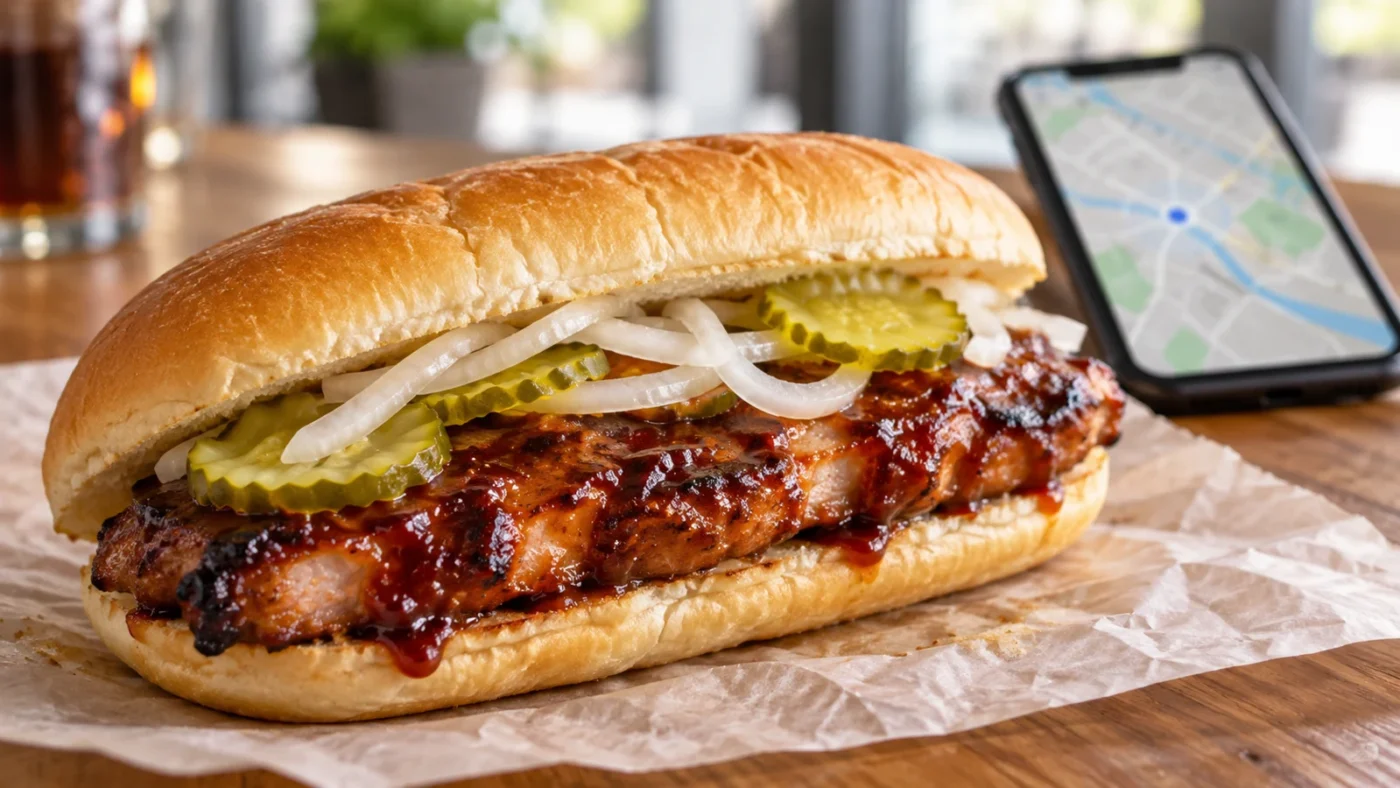
The McRib is described in the return coverage as a pork sandwich with barbecue sauce, onions and pickles on an oblong bun. That brief description is not a complete ingredient or allergen statement.
For a dietary restriction or food allergy, use the current official nutrition and ingredients information and speak with the restaurant when appropriate. Removing a visible topping does not establish that an item meets a particular dietary requirement.
This guide does not certify an item as allergen-free, vegetarian, suitable for a religious diet or safe for an individual medical condition. Those questions require more than a promotional photo or an ingredient summary copied from a past menu.
Save useful details without exposing payment information
If you need to discuss an order with support, keep the restaurant, order reference, date and relevant availability message. A concise record makes the issue easier to explain than a long account of every app screen you opened.
Before sharing a screenshot publicly, remove payment details, personal contact information, delivery addresses and account identifiers. A restaurant menu can be discussed without exposing a customer’s transaction record.
For a charge or refund question, use the official support route for the channel that processed the order. A fan account, social-media commenter or unofficial locator should not need your bank login, verification code or account password to explain availability.
A simple decision table for common situations
| What you see | Reasonable next step |
|---|---|
| The McRib appears at your chosen store. | Review the item, local price and collection details. |
| The item is absent but the rest of the menu loads. | Confirm the store and current menu; participation may differ. |
| An old order contains the sandwich. | Build or review a current order instead of assuming past availability. |
| A fan map reports a nearby sighting. | Verify the address and current official menu. |
| You have already paid and the item is unavailable. | Follow the restaurant or provider’s official resolution process. |
These are verification steps rather than diagnoses. They do not establish why any particular restaurant lacks the sandwich or why a particular transaction failed. They help you ask the next useful question without jumping to an unsupported conclusion.
How to read a limited-time food launch sensibly
A seasonal return can generate more excitement than the operational details can support. Marketing language emphasizes the return; a shopper needs the address, date, item availability and total cost. Keep those two perspectives separate.
Look for a clear source when a post claims a new city, a final sale date or a special offer. A restaurant’s current information is more useful for your purchase than a recycled list of places that participated in an earlier year.
Our approach is to preserve the confirmed announcement while leaving unverified local details open. The McRib may be returning, but “near me” is still a local question. Check the exact restaurant before turning that headline into a trip.
Keep a small personal availability note
If you compare more than one restaurant, record the address, the date and time checked, the ordering channel and the message you saw. That is enough to avoid confusing one store with another when you return to the app later.
Keep the note factual: “item shown on pickup menu at this time” is stronger than “guaranteed all week.” If a friend asks, pass along the check time and recommend a fresh check. This makes a local tip useful without presenting it as an official inventory report.
Frequently asked questions
When does McRib return in 2026?
McDonald’s confirmed to PEOPLE a limited return beginning October 27, 2026, at select U.S. restaurants. Participation varies.
Will every McDonald’s in a listed city sell the McRib?
The announcement does not establish that. Check the exact restaurant’s current official menu and confirm if making a special trip.
Why is McRib missing from my app menu?
It may be unavailable at the selected restaurant or menu period. Confirm the address and current menu before assuming the whole app is broken.
Is there one confirmed national McRib price for 2026?
This guide does not establish a universal price. Check the item and final charges for your actual restaurant and ordering channel.
Can a fan locator guarantee stock?
No. A crowd-sourced report is a lead, not official live inventory. Check its timestamp and verify with the restaurant.
Sources and reporting notes
Checked October 26, 2026: PEOPLE: McDonald’s confirms the return, official Mobile Order & Pay information, mobile-ordering help, and nutrition help. Local checks and comparison tables are editorial guidance. Featured image: AI-generated generic sandwich illustration, not an official product photograph.