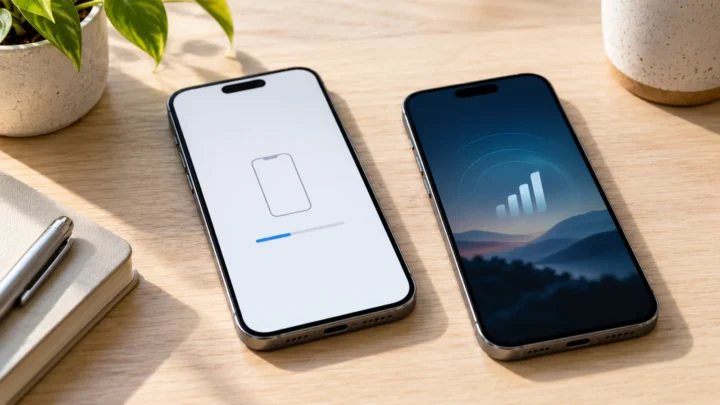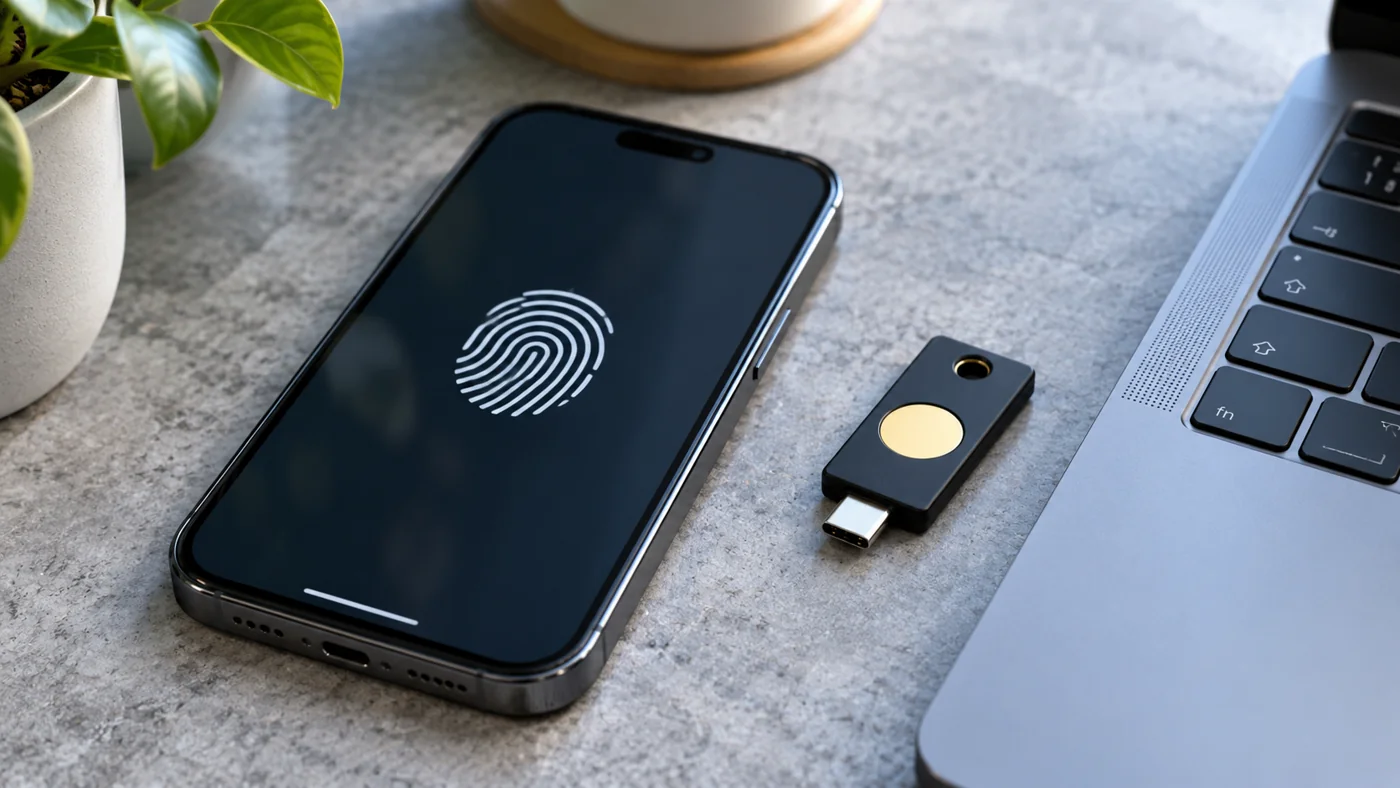
Passkeys let you sign in to a supported account using a credential managed by a device or credential provider, often unlocked with a fingerprint, face recognition or PIN. They use public-key cryptography rather than asking you to type a reusable account password. Their design improves resistance to phishing, but account recovery, device access and the service’s implementation still matter.
Before you enable a passkey
| Check | Why it matters |
|---|---|
| Where is it stored? | A synced provider and a device-bound security key have different availability and recovery arrangements. |
| Which account unlocks access? | Protect the credential provider and its recovery options as well as the website account. |
| What if the phone is lost? | Confirm a supported alternative before removing an existing sign-in method. |
Official reference: fidoalliance.org.
Source check: October 26, 2026. Use the official links for requirements that may change.
Table of Contents
1. How passkeys change the sign-in process
Google’s developer explanation describes a public and private key pair created for a supported site or application. The service uses the public-key side to verify a sign-in, while the private-key operation happens through the authenticator. The user does not need to memorize and type the credential as a password.
The practical experience can feel familiar: select an account and approve the sign-in with the device’s normal unlock method. The fingerprint or face prompt is a way of authorizing use on the device, rather than a new password you must send to the website.
Different services can present different prompts. A guide should explain the concept without pretending that one screenshot or one button label applies to every browser, phone and account.
2. Why phishing resistance is useful
MDN explains that a passkey is associated with the legitimate site’s identity. A lookalike page at a different domain cannot simply use the credential registered for the real site. This addresses a common password problem: a person can type a reusable secret into a convincing fake page.
For an invented example, imagine a fake shopping login whose address changes one character in the real store’s domain. A password typed there can be captured. A correctly implemented passkey for the real store is scoped to that store, rather than becoming a reusable secret handed to the lookalike.
Phishing resistance does not mean every possible scam is blocked. A person could still be persuaded to authorize a payment, disclose other information or use an insecure recovery process. Read the benefit precisely instead of turning it into a claim of total immunity.
3. What a fingerprint, face scan or PIN does
The device unlock step helps establish that the person using the device may use the credential. FIDO’s explanation separates that local verification from the public-key interaction with the service. A website does not need to receive your fingerprint image as the login password.
A PIN in this context can be a device unlock method, not a universal account secret that should be typed into a recruiter’s chat or an unsolicited support form. Follow the operating system’s trusted prompt and the service’s official instructions.
If a screen looks unfamiliar, pause and check the account and domain you intended to use. Convenience should not remove ordinary attention to what action is being approved.
4. Where a passkey can be stored
FIDO describes both synced passkeys and device-bound options, including security keys. The storage model affects which devices can use the credential and how access is recovered. Do not assume that every passkey is automatically available on every device you own.
A synced credential provider may make passkeys available through its supported ecosystem. A device-bound credential remains associated with the relevant authenticator. The right question for a user is where this particular credential is stored and what the provider says about recovery.
Keep that answer with the account’s security information. A note saying passkey enabled is less useful than knowing which provider or authenticator holds it and which independent recovery options remain available.
5. What happens if a device is lost
The answer depends on the storage and recovery arrangement. FIDO notes that supported security keys can serve as an additional credential in relevant scenarios. A synced provider may offer recovery through its own protected account process. Read those instructions before a problem occurs.
An illustrative planning exercise is to ask how you would reach an important account if your usual phone were unavailable tomorrow. Identify a supported alternative method and verify the official recovery instructions. This exercise does not require deleting an existing password or changing settings immediately.
Protect recovery information as carefully as the primary sign-in. MDN warns that attackers may target parts of the authentication system outside the passkey mechanism, including recovery. A strong sign-in method cannot compensate for every weakness elsewhere in the account.
6. How to check a service before enabling the feature
Start from the service’s official account-security page. Confirm that passkeys are supported for your account type and devices, then read whether other sign-in methods remain. A marketing announcement may describe a rollout rather than universal availability.
Review the credential provider’s current documentation as well. Support can vary by platform and version. Do not follow a generic tutorial into deleting a recovery method before you understand how you would regain access.
For a shared device, consider who can unlock it and which account is being registered. Keep personal and organizational instructions separate; an employer may have specific security requirements for work accounts.
7. What to expect as support evolves
Passkeys are a standards-based approach, but the user experience continues to develop across services and providers. In 2027, check the current documentation for the products you actually use rather than relying on a promise that every transfer and recovery scenario is identical.
The useful comparison is practical: how the account authenticates you, how it handles a lost device and how it protects recovery. A feature name alone does not answer all three questions.
This guide has not changed any reader’s account or tested every provider. It explains the design and the questions to verify so that a supported passkey can be used with an informed recovery plan.
Frequently asked questions
Are passkeys the same as passwords?
No. They use public-key credentials and an authenticator rather than a reusable secret typed into the website.
Does a website receive my fingerprint when I sign in?
The device’s biometric check authorizes local use of the credential. The website verifies a cryptographic sign-in rather than receiving a fingerprint as a password.
Do all passkeys sync to all my devices?
No. Storage and availability depend on the credential provider and whether the credential is synced or device-bound.
Can passkeys stop every account scam?
No. They improve phishing resistance, but recovery, device security and other user actions still matter.
What should I check before switching?
Confirm support, storage, alternative sign-in methods and the official lost-device recovery process for the specific service and provider.
Read more from Technology. To suggest a factual correction, contact USRPTV and include the source and date.